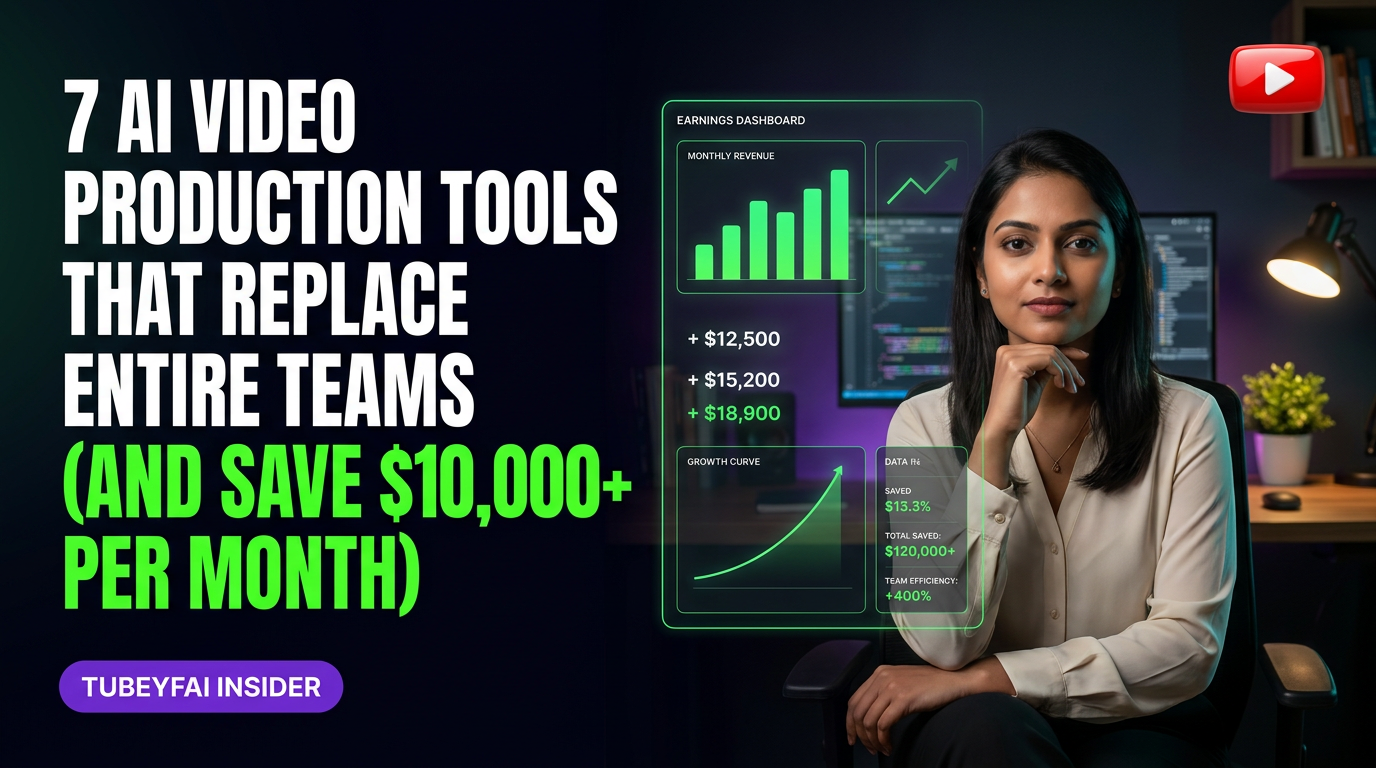
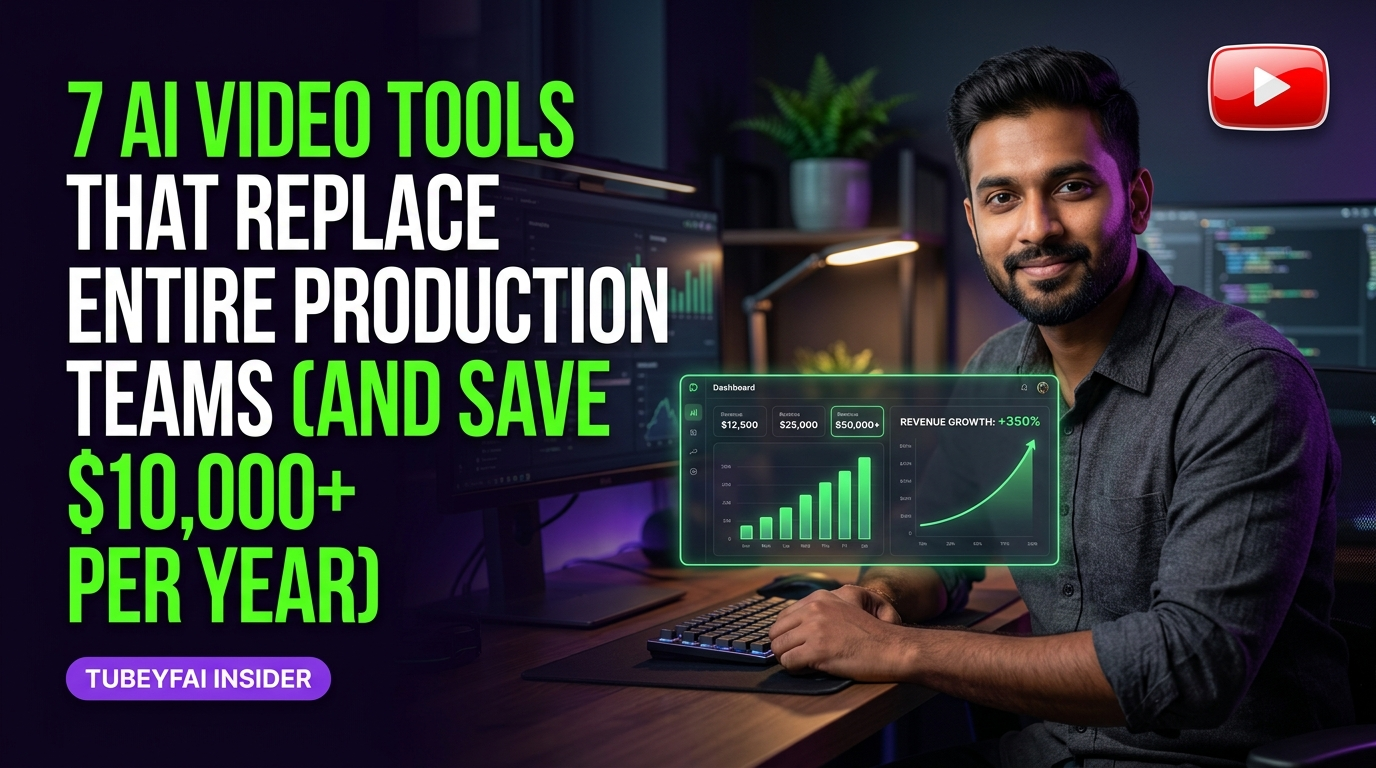
7 AI Video Tools That Replace Entire Production Teams (And Save $10,000+ Per Year)
How Solo Creators Are Producing Pro-Level Videos at Scale Without a Crew
I remember the first time I paid for a professional video production team. Five people showed up—one lugging lights, another with mics, two on cameras, and a post-production editor who charged by the minute. The invoice? Over ₹2 lakh for a three-minute clip. Fast forward to this year: I scripted, filmed, edited, and published a batch of twelve videos in under a week—solo. No crew. No studio bookings. The secret? AI-powered video tools that have quietly made entire production teams optional.
Why AI Video Tools Are Replacing Traditional Production
The old model demanded deep pockets—professional equipment, skilled editors, and days spent coordinating schedules. Today’s AI video platforms automate scripting, voiceovers, animation, editing cuts, colour grading, even thumbnail design. For Indian creators targeting high-CPM audiences abroad ($45-80 CPM is reported on US finance and SaaS channels), these tools aren’t just nice-to-have—they’re mission-critical.
Here’s what’s changed:
Speed: What took weeks now takes hours.
Cost: Ongoing software fees often total less than one month of traditional editing.
Quality: AI-powered upscaling and templates rival agency output.
Accessibility: Anyone with a laptop and Wi-Fi can launch a channel or campaign.
The 7 AI Video Tools Transforming Content Creation
Let’s break down the current leaders—tools tested across hundreds of faceless YouTube channels in my Silver and Diamond communities.
1. Scriptwriting & Ideation: Jasper & ChatGPT
Jasper and ChatGPT are used by top creators to brainstorm viral ideas, outline scripts, and rewrite intros for retention. They generate SEO-friendly hooks tailored to US viewers—a crucial edge for Indian creators aiming overseas.
Reported range: 12–15 scripts generated per hour
Efficiency gain: Cuts ideation time by 70–80%
2. Text-to-Video: Pictory & InVideo
Platforms like Pictory and InVideo turn plain text into full videos with B-rolls, stock footage, transitions, music beds, branded intros/outros—all automatically assembled.
Composite example: A finance channel producing five explainers per week without ever recording new footage
Cost comparison: $20–50/month vs ₹50K–₹1L per project for human editors
3. Voiceover Automation: ElevenLabs & Murf.ai
AI voice cloning has matured rapidly. Tools like ElevenLabs and Murf.ai deliver natural-sounding narration in multiple accents (including neutral American)—critical for Tier-1 monetization.
Reported benchmarks: Up to 30 minutes of narration produced in under five minutes
Savings: No need for freelance voice artists charging $150–300 per script
4. Automated Editing: Descript & Wisecut
Editing is where most solo creators stall out—but not with AI editors like Descript (which edits video as simply as text) or Wisecut, which auto-cuts silences and awkward pauses.
Efficiency: Reduces edit times from hours to minutes
Quality improvement: Built-in audio cleanup and subtitle generation at the click of a button
5. Animation & Motion Graphics: Synthesia & Lumen5
Forget After Effects marathons. With tools like Synthesia, you can create talking-head avatars delivering your script in dozens of languages—or use Lumen5 for animated listicles and social teasers.
Composite scenario: A SaaS explainer channel generating weekly animations with zero design skills required
Cost: Starts around $30–60/month vs ₹75K+ per motion graphics freelancer
6. Thumbnail Generation: Canva AI & AdCreative.ai
Eye-catching thumbnails drive clicks—and now AI does the heavy lifting here too. Platforms like Canva’s Magic Design or dedicated thumbnail generators suggest layouts proven to convert based on A/B tested data.
7. Workflow Integration: Zapier & Make.com
No more manual handoffs between apps; automation platforms like Zapier connect your script generator to your video builder to your Google Drive publishing folder—all hands-free.
The Real Cost Savings: Numbers You Can Bank On
Across patterns seen in my communities:
Typical US-facing channel saves $8,000–20,000/year compared to hiring freelancers
Solo creators outputting 10+ videos/month report cutting production costs by over 90%
Speed means faster scaling—channels can hit monetization thresholds months ahead of schedule
These numbers aren’t hypothetical—they reflect reported ranges based on publicly available advertiser benchmarks and anecdotal patterns among Indian YouTube automation channels targeting high CPM niches.
Timeline: How Long Does It Take To Replace Your Team?
Let’s map out the typical journey based on hundreds of faceless channel builds:
Months 1–3: Learning Curve + First Automations
Experimenting with basic script/voice/video tools
Publishing first batch (3–6 videos)
Minor quality issues—refining workflow
Months 4–6: Scaling Output
Full transition away from manual scripting/editing/VO
Consistent uploads (8–15 videos/month)
Early revenue from ad placements ($100–$500/mo typical)
Months 7–12: Optimization & Monetization
Advanced automations (thumbnails/workflows)
Channel optimization for retention/CTR
Hitting $2,000+/mo revenue on successful channels
Considering premium upgrades or niche expansion
Year 2 Onward: Full Systemization
Multi-channel replication using same tech stack
Outsourcing only creative direction or research (not execution)
Potential income range: $8,000–20,000+/month across multiple properties (as seen in top automation communities)
Who This Fits
This approach is ideal if you are:
An Indian creator aiming at high CPM Western audiences (finance/SaaS/business niches)
A small business owner wanting pro-quality marketing videos without ongoing agency fees
A marketer or consultant tired of freelancer delays or inconsistent quality
Someone willing to learn new tools quickly and embrace change over nostalgia for old workflows
Who This Does NOT Fit
You may want to stick with traditional teams if:
Your projects demand highly bespoke cinematography or brand storytelling impossible via templates/stock media
You’re unwilling to invest upfront time learning AI workflows (even though they save huge time later)
You need hyper-local cultural nuance not yet matched by global AI voice/video models
You see “automation” as inferior by default—even when results outperform junior editors!
Common Pitfalls And How To Avoid Them
Some pitfalls repeat among newcomers:
Over-reliance on Templates: Don’t settle for cookie-cutter outputs; tweak scripts/prompts so every video feels original.
Ignoring Brand Voice: Use custom avatar/voice models where possible—don’t let your content sound generic.
Underestimating Review Needs: Always watch final drafts before publishing; AI sometimes misinterprets context or tone.
The New Skillset For Modern Creators
Success today isn’t about mastering camera gear—it’s about being an effective creative director using the right tech stack:
Prompt engineering—getting better results from generative tools.
Workflow design—connecting apps efficiently.
Analytics-driven iteration—using retention reports/data to refine content strategy fast.
The best part? These skills compound over time—and pay dividends across every new channel or client project you launch.
The Bottom Line: Focus On Message And Scale Creativity
With these seven categories of tools, you no longer need permission from gatekeepers—or bank-breaking investments—to make world-class video content aimed at US and Tier‑1 markets. Let the algorithms handle the heavy lifting while you focus on what truly matters: big ideas and bold storytelling that reach millions.
What would it mean for your growth if you could drop production bottlenecks entirely? Which tool are you most excited to try first—and how could it transform your workflow?
Ready to go deeper?
Join my Free Webinar this Saturday — AI YADI Income Growth Matrix.
About the author
- Aviation-Professional-Turned-AI-YouTube-Automation-Coach who's spent 9+ years turning knowledge into income through YouTube, AI Agent Automation, Digital Products, Instagram — YADI without ever showing his Face.
AI Tools
The best free and paid AI tools for building, scaling, and automating faceless YouTube channels — tested, reviewed, and ranked by the Tubeyfai community.