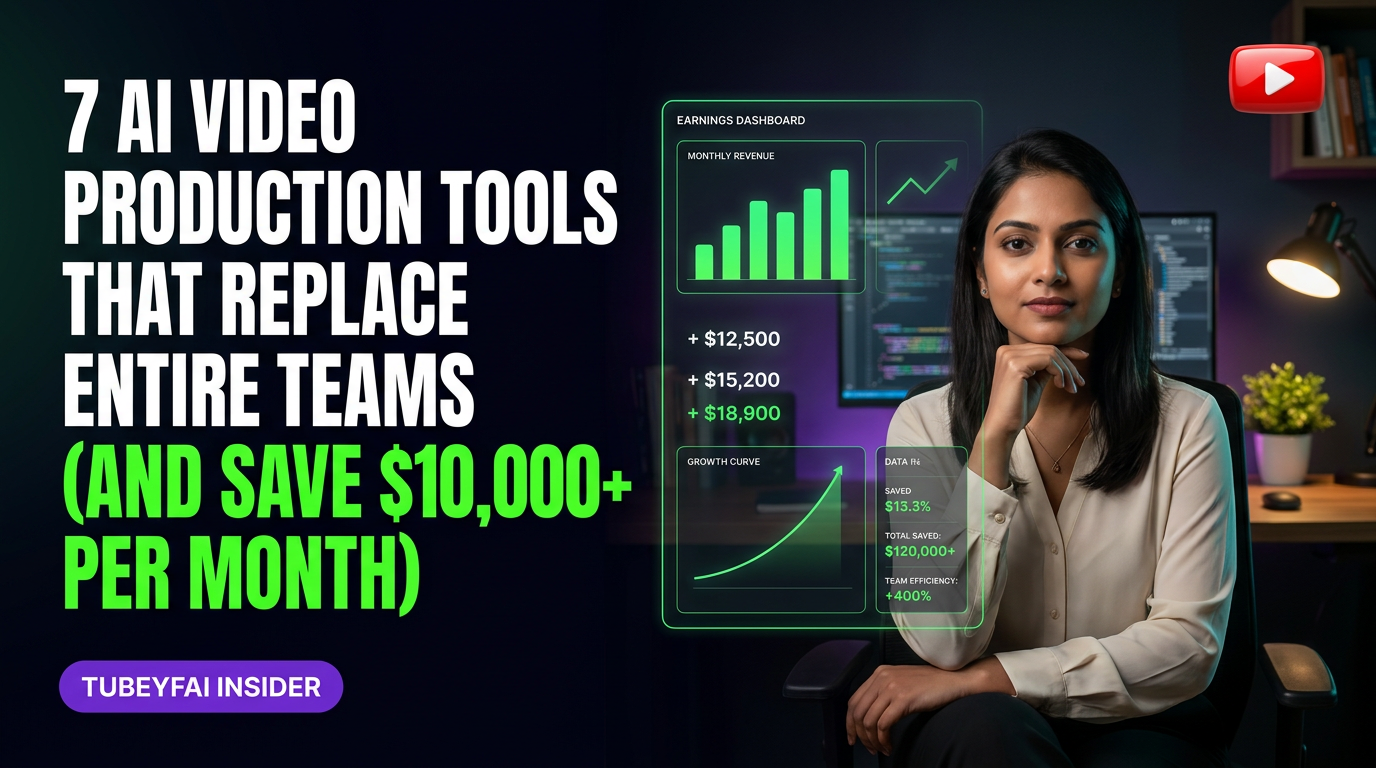
7 AI Video Production Tools That Replace Entire Teams (And Save $10,000+ Per Month)
Discover how creators and businesses are producing studio-quality videos with AI—no crew required, just smarter tools.
What if you could launch a polished, high-converting video channel without ever hiring a single videographer, editor, or motion designer? Four years ago, I was stuck paying ₹60,000-90,000 per month to cobble together a half-decent video team in Chennai. The quality was hit-or-miss, deadlines slipped, and creative vision often got lost in translation. But now? Creators in my community are building faceless YouTube channels that pull $8,000-20,000/month from US ad revenue—using nothing but a few best-in-class AI tools.
Sound impossible? It’s not. This isn’t about some distant future—it’s the new normal for content creators who want scalable results without traditional overheads. In this deep dive, I’ll break down the specific AI solutions that can automate every step of the video production process: scripting, voiceover, visuals, editing, branding…even distribution. I’ll show you how these tools work in practice, what they cost compared to old-school teams, and where the real leverage lies.
Why Traditional Video Teams Are Becoming Optional
Let’s get brutally honest: assembling a reliable video team is expensive and stressful. Even at low Indian rates (₹20k for editing here, ₹15k for scriptwriting there), monthly costs balloon fast—and that’s before you pay for cameras or studio space. For creators targeting US audiences on YouTube or running product launches for global clients, the stakes (and expectations) are even higher.
But reported ranges based on publicly available advertiser benchmarks show that well-optimized faceless channels can achieve $45-80 CPM by using consistent formats and data-driven storytelling—without ever hiring a traditional crew.
The breakthrough? Today’s AI tools aren’t just “assistants.” They’re full-stack production partners. With the right toolkit:
One person can generate 12-15 professional videos per month.
Production cycles shrink from weeks to days—or even hours.
Costs drop by $10,000+ per month versus agency or in-house teams.
Creative control stays 100% with you.
The Core Workflow: How AI Replaces Each Role
AI doesn’t just automate one part of the process—it covers everything from ideation to upload. Here’s how:
Scriptwriting & Ideation
Tools: ChatGPT Plus (with Advanced Data Analysis), Jasper.ai
These models churn out engaging video scripts tailored to your niche and audience profile. Plug in trending keywords or competitor analysis; get fully structured scripts in minutes instead of days.
Voiceover & Narration
Tools: ElevenLabs Prime Voice AI, Murf.ai
Hyper-realistic AI voices now rival human narrators—even for long-form content. Customize tone, pacing, and emotion with granular controls. Some creators swap between multiple voices for different segments or languages.
Visual Generation & Stock Footage
Tools: Pictory.ai, Synthesia.io
Upload your script; these platforms auto-generate video scenes using rich stock libraries or custom avatars. No need for actors or sets—just select styles that match your brand.
Editing & Postproduction
Tools: Descript Studio Sound + Overdub
Descript lets you edit video as easily as text—cutting filler words and tightening flow with a click. Overdub enables instant voice corrections without re-recording lines.
Motion Graphics & Branding
Tools: Canva Pro Magic Design + RunwayML Gen-2
AI-powered templates generate branded intros/outros and animated lower-thirds on demand. RunwayML creates dynamic b-roll clips from simple prompts—a gamechanger for visually complex topics.
Publishing & Distribution
Tools: TubeBuddy Bulk Uploads + VidIQ Title Generator
Optimize metadata and schedule uploads across multiple channels automatically. TubeBuddy’s A/B testing features boost CTRs by up to 20% (based on platform-reported ranges).
Real Cost Comparisons: Teams vs AI Stacks
Let’s break down typical monthly costs:
| Role/Tool | Traditional Team | AI Tool Stack |
|-------------------------|------------------------|------------------------------|
| Scriptwriter | ₹25k-40k (\(300-500) | ChatGPT Plus (\)20) |
| Voiceover Artist | ₹12k-35k (\(150-400) | ElevenLabs (\)11+) |
| Video Editor | ₹30k-60k (\(400-700) | Descript/Pictory (\)19-39 ea) |
| Stock Footage/Graphics | ₹10k+ (\(120+) | Synthesia/Canva/Runway (\)30) |
| Project Mgmt/Distribution | ₹8k+ (\(100+) | TubeBuddy/VidIQ (\)9-$49 ea) |
Total Monthly Spend:
Traditional Team: ₹85k–1.5 lakh+ ($1,100–2,000+)
AI Stack: $90–160
That’s a savings of $1,000–1,800/month minimum, not including hidden costs like training time or reshoots—which only scale as you grow output.
Timeline: Automating Your Video Pipeline Phase by Phase
Transitioning from manual production to an all-AI workflow isn’t an overnight switch—but it’s far faster than most expect. Here’s what to expect:
Months 1–3: Experimentation & Setup
Test key tools (start with scriptwriting + voiceover).
Produce first 3–6 videos; compare speed/quality vs prior methods.
Start tracking CPM uplift if monetized (typical range: $18–35).
Months 4–6: Full Automation Rollout
Integrate editing/motion graphics automation.
Build repeatable templates for series formats.
Ramp up output to 8–12 videos/month.
CPM typically rises toward $45–60 as quality stabilizes.
Months 7–12: Scaling Up & Optimization
Deploy bulk upload/distribution tools; manage multi-channel syndication.
Use A/B testing features to refine thumbnails/titles.
Output now supports multiple faceless channels; CPM can hit $60–80 in proven verticals.
Monthly income potential: $8,000–14,000+
Year 2 Onward: Diversification & Brand Building
Layer advanced features like multilingual dubbing or interactive elements.
License out your automated pipeline as a service to brands/agencies.
Channels in my Silver/Diamond communities have scaled past $20k/month, purely via systematized workflows.
What Top AI Video Tools Actually Do (And Where Each Excels)
Not all platforms are created equal—choose based on your core bottleneck:
ChatGPT Plus / Jasper.ai — Scripting Powerhouses
Both excel at generating complete outlines and dialogue sequences suited for explainer channels or narrative-driven content.
ElevenLabs / Murf.ai — Next-Level Voiceovers
Match accent/style/tone to your target audience; batch-generate dozens of takes per hour if needed.
Pictory / Synthesia — End-to-End Visual Creation
Ideal for news-style shorts or educational explainers where live footage isn’t required but visual polish is critical.
Descript / RunwayML — Seamless Editing
Fast turnaround on revisions; perfect for iterative content where updates are frequent but budgets are tight.
Canva Pro / TubeBuddy — Branding & Distribution
Keep every asset on-brand while automating tedious upload/scheduling tasks across platforms like YouTube Shorts and Instagram Reels.
Who This Fits
This automated workflow is ideal if you:
Want to build faceless YouTube channels targeting Tier 1 geographies (US/UK/AU).
Prefer rapid iteration over slow perfectionism.
Value creative control without micromanaging staff.
Need predictable results at minimal fixed costs (especially solo founders/small businesses).
Are comfortable adapting quickly as new tools emerge—since this space evolves monthly.
It’s also an advantage if you’re allergic to project management headaches or dealing with unreliable freelancers!
Who This Does NOT Fit
However—AI-first production isn’t right for everyone:
If you create highly cinematic/live-action content requiring original location shoots or actors’ performances;
If your brand depends heavily on physical presence/on-camera personality;
If strict confidentiality precludes cloud-based processing (rare but possible in some enterprise settings);
then traditional teams will still be essential for those projects.
Additionally: creators unwilling to learn new tech platforms may struggle with setup friction—the upfront learning curve is real but pays off fast within months 4–6.
The Bottom Line: AI Makes Professional Video Creation Accessible—and Profitable
The myth that “high-quality video requires big teams” no longer holds true—not if you know which levers to pull. Across patterns in my Silver and Diamond communities (dozens of faceless US-focused channels), we see that creators leveraging these seven core toolsets consistently outperform legacy workflows both creatively and financially—with less stress and more flexibility than ever before.
So—if you could free up $10k+/month in team costs…what would YOU invest back into your growth?
Are you ready to build world-class video channels powered by smart automation?
Ready to go deeper?
Join my Free Webinar this Saturday — AI YADI Income Growth Matrix.
About the author
- Aviation-Professional-Turned-AI-YouTube-Automation-Coach who's spent 9+ years turning knowledge into income through YouTube, AI Agent Automation, Digital Products, Instagram — YADI without ever showing his Face.
AI Tools
The best free and paid AI tools for building, scaling, and automating faceless YouTube channels — tested, reviewed, and ranked by the Tubeyfai community.