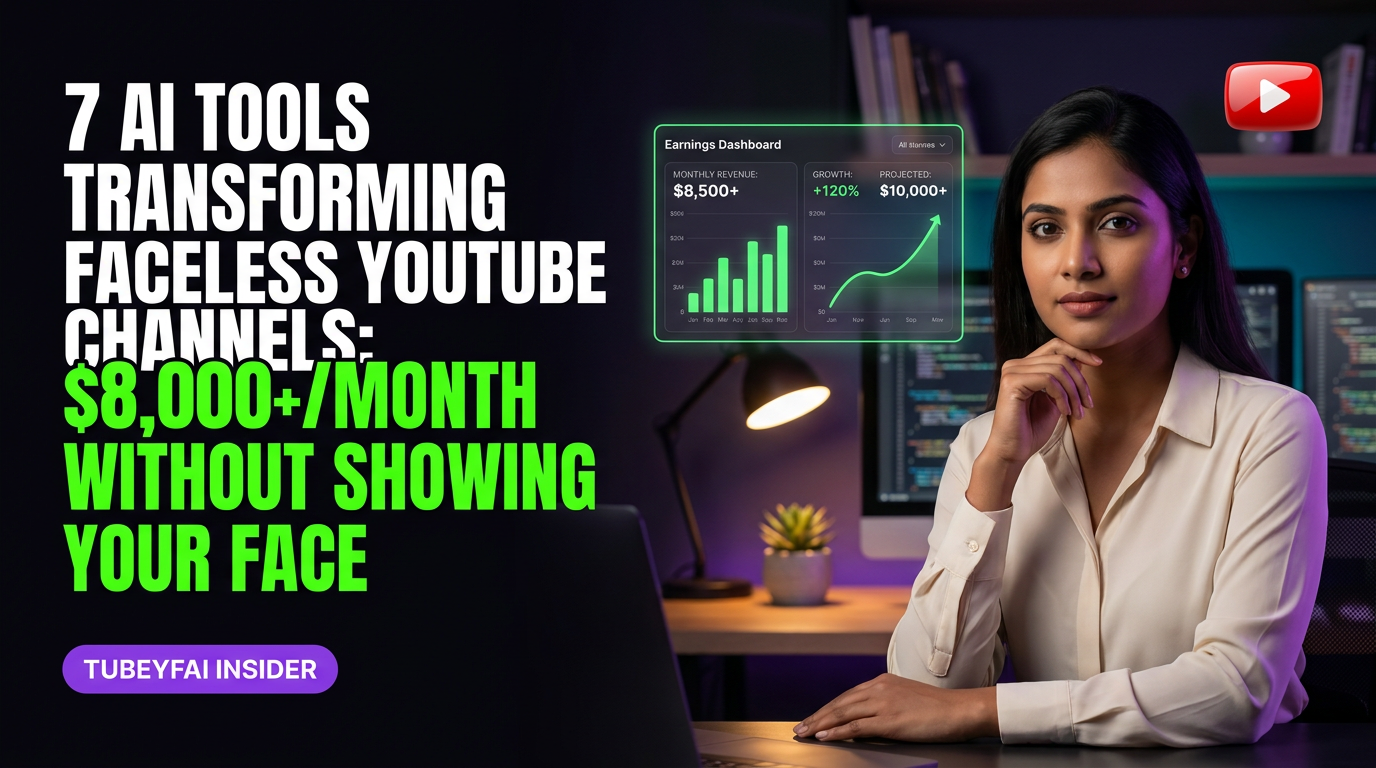
7 AI Tools Transforming Faceless YouTube Channels: $8,000+/Month without Showing Your Face
How Indian Creators Are Using Beginner-Friendly AI to Launch High-CPM, Faceless YouTube Channels for the US Market
My first real taste of YouTube automation wasn’t glamorous. I was hunched over a budget laptop in a cramped Chennai apartment, voice quivering as I tried (and failed) to narrate my own video script. The idea of putting my face on camera? Not happening. Editing hours of footage? Even less likely. But when I stumbled across a few early AI tools—ones that could write, voice, and edit faster than I ever could—it felt like someone handed me the cheat codes.
Today, patterns across faceless channels in my Silver and Diamond communities show creators regularly hitting $45–80 CPM and earning $8,000–20,000/month from entirely automated channels—no actors, no costly studios, no advanced tech skills required. If you want to build a profitable channel targeting US or Tier-1 viewers without ever stepping in front of the lens, this is how AI changes the game.
Why Faceless Channels Dominate High-CPM Niches
Let’s get brutally honest: CPMs for Indian audiences rarely break into double digits. But pivot to finance, tech, or productivity content aimed at US viewers—using faceless formats—and suddenly your revenue potential explodes.
Faceless channels are:
Easier to scale (multiple uploads/week)
Less dependent on personality or personal brand
Faster to outsource and automate
AI makes these advantages accessible even if you’ve never edited a video or written a script before.
How AI Powers Every Stage of Faceless YouTube Creation
AI tools now handle almost every step:
Ideation: Trend detection + title optimization
Scriptwriting: Human-like narration in seconds
Voiceovers: Natural-sounding voices in dozens of accents
Editing: Auto-cutting and B-roll insertion
Thumbnails & Metadata: Smart A/B testing for clicks
With minimal human input, it’s possible to manage multiple channels—or scale one channel rapidly—while focusing only on creative direction.
7 Beginner-Friendly AI Tools That Make Automation Possible
Here’s what’s working right now for new Indian creators targeting US/Tier-1 audiences:
1. ChatGPT & Gemini: Instant Video Scripts
Forget staring at blank pages. Feed your topic into ChatGPT or Gemini with a structured prompt (think: “Write a 7-minute script about X in Y tone”) and get ready-to-record scripts that need only minor tweaks for originality.
2. ElevenLabs & Murf.ai: Realistic Voiceovers
No expensive microphones. No awkward self-narration. These tools generate natural-sounding English voiceovers—including American accents—that pass as human to most viewers. Adjust pacing and emotion for different niches.
3. Pictory & Invideo: Automated Video Editing
Upload your script or audio and let these platforms assemble stock footage, graphics, subtitles—even background music—in minutes. Perfect for listicles, explainers, documentaries.
4. VidIQ & Tubebuddy: Smart Topic Research
Stop guessing what will trend next month in the US market. Use these browser plugins to analyze competitor videos, CPM ranges, keyword demand—and tailor your content calendar accordingly.
5. Canva & Thumbnail.AI: Eye-Catching Thumbnails
Your thumbnail is your click magnet—but hiring designers gets expensive fast. Canva templates (or Thumbnail.AI for even more automation) let you test winning designs at scale with drag-and-drop simplicity.
6. Descript: Effortless Audio/Video Cleanup
Remove ums/ahs, silence gaps, or even change spoken words after recording—all by editing text instead of timeline scrubbing. Speeds up production dramatically when you’re batch-producing content.
7. Notion/Airtable Automations: Channel Management Dashboards
Track video status—from ideation through upload—in one place; automate reminders for uploads and content deadlines so nothing slips through the cracks as you scale multiple channels.
The Typical Timeline: From Zero to $8k+/Month With AI Automation
Let’s demystify what growth really looks like based on reported ranges from publicly available benchmarks and trends inside my community:
Months 1–3: Laying Foundations With Minimal Tech Skills
Learn basic tool workflows (script → voiceover → video assembly)
Upload first 12–15 videos; focus on high-volume but low-effort output
CPMs start low ($5–10), but initial traction comes from consistency and niche selection
Expect slow subscriber growth unless you land an early viral topic
Months 4–6: Optimizing Content & Workflow Automation
Double down on topics with above-average CPM ($30–50+)
Refine scripts with AI prompt engineering; improve thumbnails via A/B tests
Start batching production using automations (Notion/Airtable dashboards)
Typical monthly earnings range from $200–$800 as views compound
Months 7–12: Scaling Up With Data-Led Decisions
Use VidIQ/Tubebuddy analytics to spot new trends early
Increase upload frequency; consider launching second channel in parallel niche
CPMs stabilize at $45–80 for top niches (finance/tech/business)
Monthly earnings frequently hit $2,000–8,000 as catalog grows beyond 40+ videos
Year 2 Onward: Building Multi-Channel Income Streams
Outsource script revisions/editing with VAs who use same AI tools
Manage team/content calendar via Notion automations
Launch additional faceless channels targeting related verticals/audiences
Potential income jumps to $8k–20k/month across portfolio with smart reinvestment
Who This Fits (And Who It Doesn’t)
Who This Fits
If you:
Don’t want to be “the face” but love researching/writing compelling ideas
Are willing to experiment with new tools and tweak processes until they click
Have basic English proficiency (AI handles most accent/pronunciation issues)
This approach gives you leverage—letting machines handle grunt work while you focus on strategy and creativity.
Who This Does NOT Fit
If you:
Want instant results without effort or patience (AI reduces workload but isn’t magic)
Prefer highly personalized/presenter-led content styles (vlogs/interviews)
Struggle to follow simple web-based workflows consistently
You’ll see better results sticking with traditional creator paths or influencer formats instead.
Common Pitfalls—and How AI Helps You Avoid Them
Many beginners stall out due to:
Analysis Paralysis: Too many niche options; not sure where high CPMs are.
Solution: Use VidIQ/Tubebuddy data + ChatGPT brainstorming prompts.
Burnout From Manual Editing: Hours lost editing clips/subtitles.
Solution: Batch process using Descript/Pictory/InVideo automations.
Low Quality Audio/VO: Poor narration turns off high-value viewers.
Solution: ElevenLabs/Murf.ai produce pro-quality audio instantly.
Inconsistent Uploads: Life gets busy; channel momentum dies.
Solution: Automate content calendar reminders + pre-schedule batches weeks ahead.
AI doesn’t replace creative vision—but it eliminates technical bottlenecks that stop most people before they reach monetization.
Real Data From Reported Benchmarks—What’s Actually Possible?
Patterns across faceless channels in my community point consistently toward these benchmarks:
Niche selection matters most: Finance/investing hits \(60–80 CPM; entertainment/documentary hovers around \)12–25.
Time-to-income varies widely: Some hit first $500 within four months; others take six months+ depending on upload pace/niche competition.
Portfolio scaling is key: Single-channel incomes max out faster than multi-channel portfolios fueled by repeatable AI workflows.
Always treat published “overnight success” stories with skepticism unless backed by hard data.
Next Steps: Your Action Blueprint For Getting Started Today
Pick one target audience/niche with proven CPM upside.
Set up accounts for ChatGPT/Gemini + preferred video editor (Pictory/InVideo).
Write/test your first three scripts using basic prompts (“Explain X as if teaching a smart teenager”).
Generate voiceover/audio using ElevenLabs/Murf.ai free trial credits.
Assemble first video; design thumbnail in Canva/Thumbnail.AI.
Upload/test—then repeat weekly until workflow feels natural.
Don’t overthink perfection—the real learning happens by doing (and improving each cycle).
Final Thoughts — Why Now Is the Best Time For Indian Creators To Go Faceless With AI
The gap between opportunity and action has never been smaller for Indian creators aiming at global markets. You don’t need Silicon Valley budgets—or Hollywood-level confidence—to build something valuable today.
You just need the willingness to try modern tools… tweak… iterate… and keep showing up until your catalog compounds into real income streams.
Are you ready to let machines do the heavy lifting so you can finally share your ideas with the world—without ever stepping onto a stage?
Ready to go deeper?
Join my Free Webinar this Saturday — AI YADI Income Growth Matrix.